by Helle Green | Apr 15, 2024 | Cue-100, Reviews
Lyngdorf Cue-100 wins world-renowned iF DESIGN AWARD Lyngdorf Audio is proud to announce the latest award for the high-end audio design speaker Cue-100, the world-renowned iF DESIGN AWARD 2024. Each year, the world’s oldest independent design organization, iF...

by Helle Green | Apr 10, 2024 | CD-2, Reviews
Lyngdorf CD-2: Closer to the music Hartmut Tielitz from German image-hifi.com has reviewed the Lyngdorf CD-2 CD player. Here are a couple of quotes from the review, and below you can find a link to the full review. “The Lyngdorf CD-2 reproduces the band’s playing in...
by Helle Green | Mar 15, 2024 | MXA-8400, Reviews
A master of cinema sound Another great review is out of the Lyngdorf MXA-8400 – this time from AVForums.com. The 8-channel amplifier scored an almost unheard of 10 out of 10 and has been awarded the highest accolade of all, the Best in Class award badge. Below...
by Helle Green | Mar 15, 2024 | Cue-100, Reviews
“Lyngdorf Cue-100 redefines the standmount” Chris Kelly from The Ear has reviewed the Lyngdorf Cue-100 loudspeaker. Besides a very good review, the speaker received the magazine’s Editor’s Choice stamp. Below you can read a couple of quotes...
by Helle Green | Feb 7, 2024 | Reviews, TDAI-1120
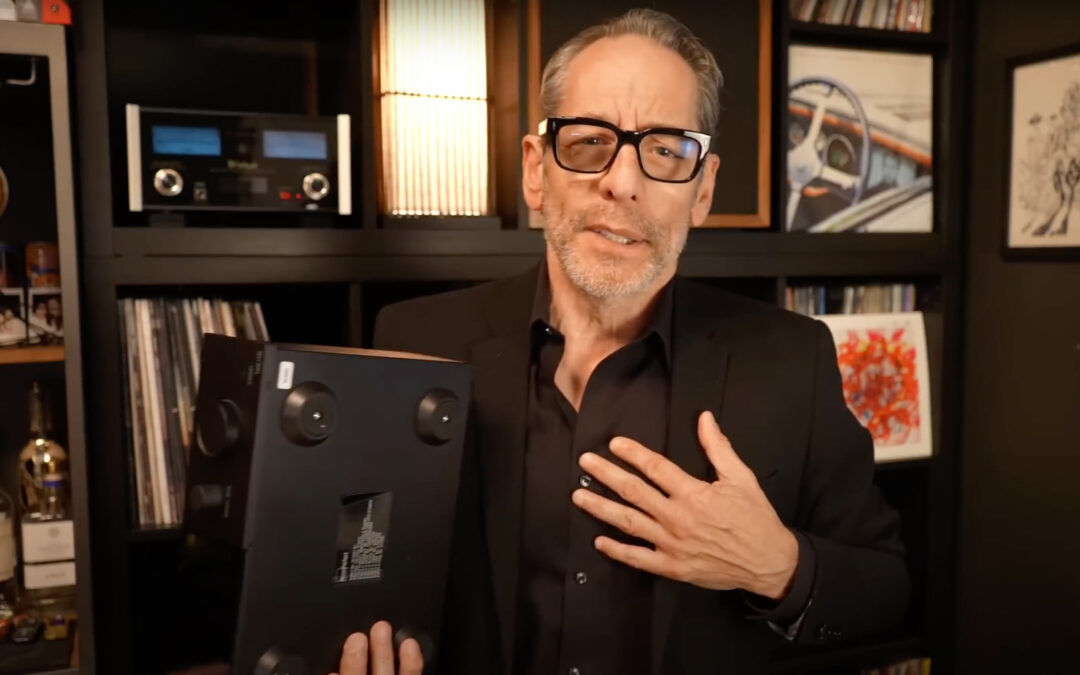
“The James Bond of amplifiers” Bob Fonseca from the YouTube channel United States of Analog has made a great review of the Lyngdorf TDAI-1120 streaming amplifier. We have gathered a few quotes from the review below, and you can watch the full review via...
by Helle Green | Feb 1, 2024 | MXA-8400, Reviews
“The performance here is second-to-none” In the latest Home Cinema Choice magazine Martin Dew has written an excellent review of the MXA-8400, and given the new amplifier aBest Buy award. Below you can read a couple of quotes from the review and find a...
by Helle Green | Jan 26, 2024 | Product news
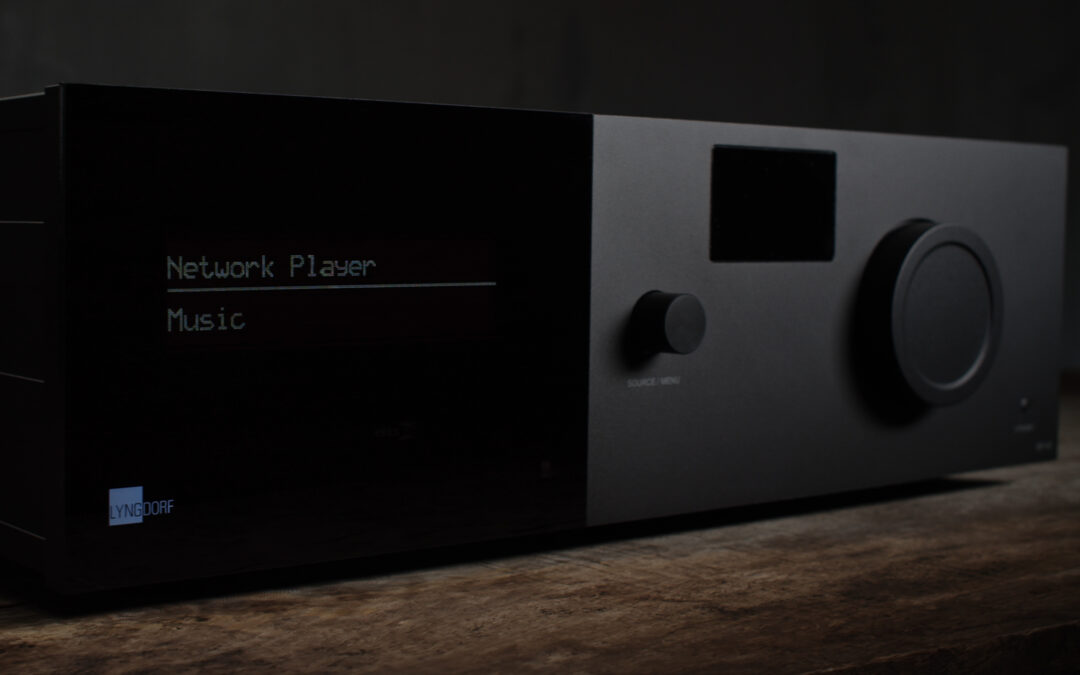
New software updates for all processors Increased channel count support, Dolby updates and HDCP improvements We are thrilled to announce the release of our latest software update, version 5.1.0, for all Lyngdorf Audio and Steinway Lyngdorf processors. This update...
by Helle Green | Jan 8, 2024 | Reviews, TDAI-3400
Best network and streaming amplifier AUDIO TEST / LIKE HIFI from Germany reviewed the Lyngdorf TDAI-3400 amplifier earlier last year (read more here), and now they have awarded the amplifier with the Editors Choice Award for the best products reviewed in 2023. We...
by Helle Green | Dec 27, 2023 | Cue-100, Reviews
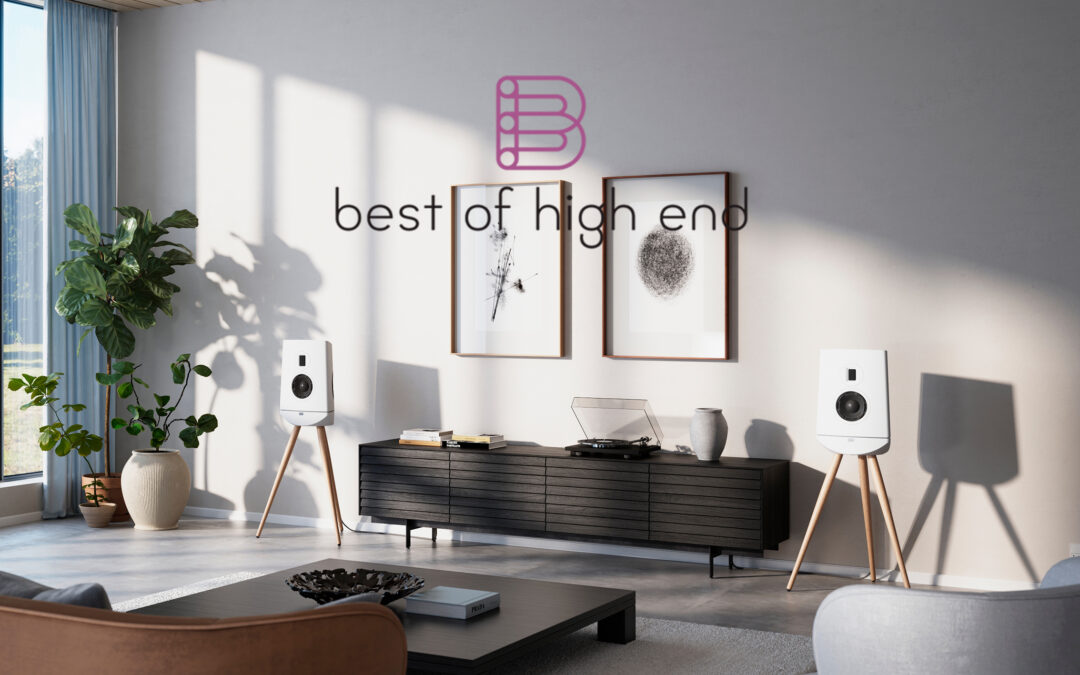
A new era of loudspeaker performance Marco Lisi from Best of High End has reviewed the Lyngdorf Cue-100 loudspeaker. Below you can read the conclusion from the review, and at the bottom of the page you can find a link to the full review. “The Lyngdorf CUE-100 is a...
by Helle Green | Dec 14, 2023 | Reviews, TDAI-1120
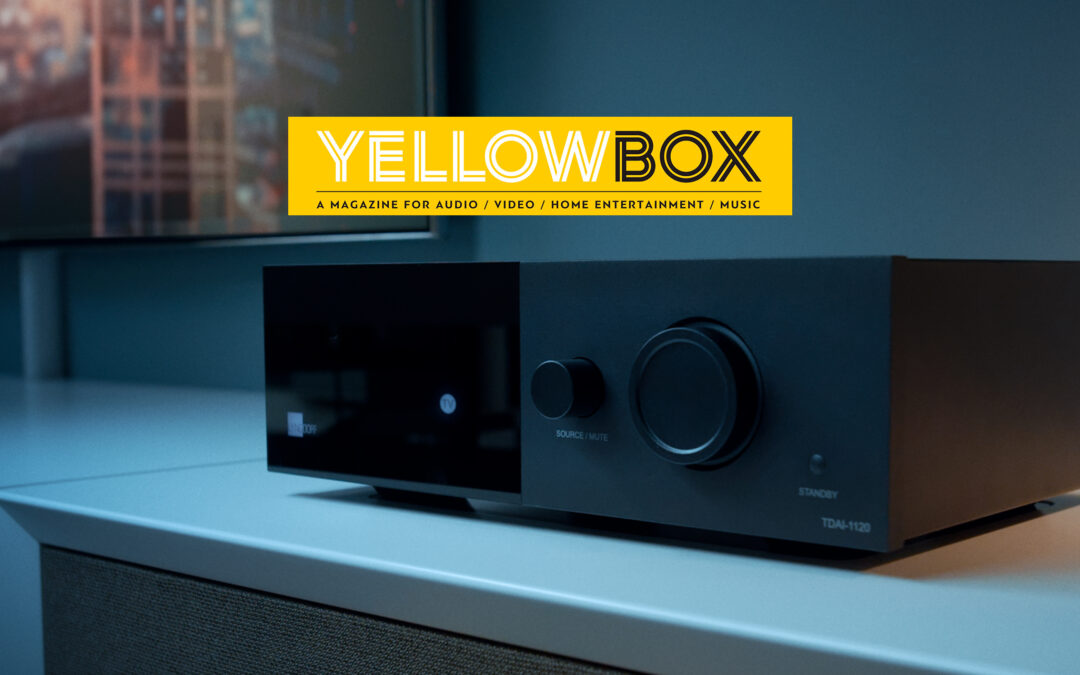
YELLOWBOX AWARD for TDAI-1120 At BLACKBOX Audio Video Show 2023 the organiser Greek YELLOWBOX awards products that have stood out in reviews during the year. The reward is not only for the device itself, but also the people behind it. The often-faceless companies...